LP UI Walkthrough
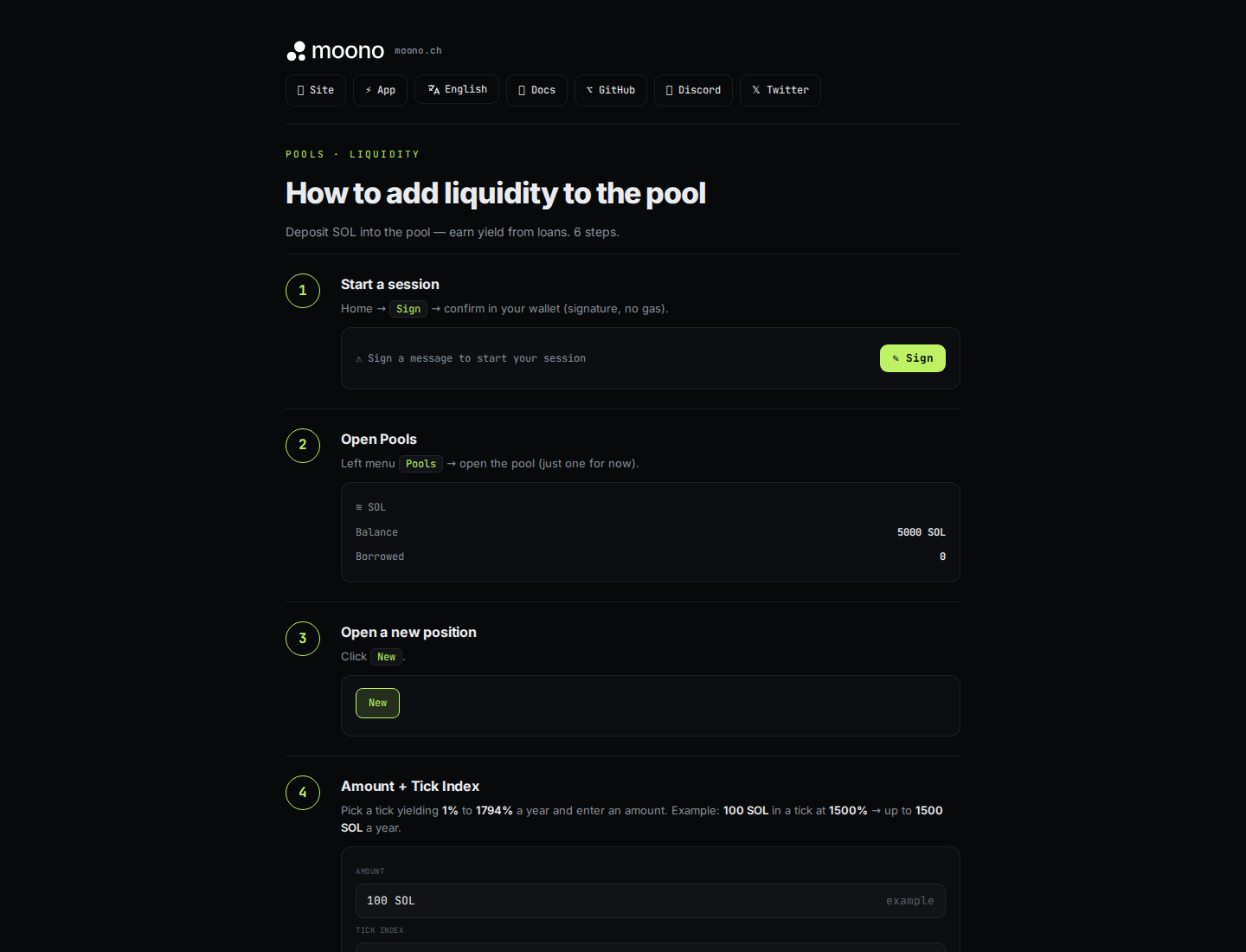
The public LP walkthrough is available at moono.ch/lp/. It shows the basic liquidity-provider flow: start a session, open pools, create a position, choose an amount and tick, deposit, then monitor or withdraw.
What to Check in the App
Section titled “What to Check in the App”- Selected quote pool: WSOL or USDC.
- Current pool balance and borrowed amount.
- Tick index and estimated rate.
- Minted LP-share preview.
- Current NAV and any underwater warning.
- Claimable earnings separate from withdrawable principal.
The screenshot is a UI reference. Current loan limits, fees, reserves, and surplus split are generated from on-chain configuration on the Economics page.